Home Internet in Portugal
 Portugal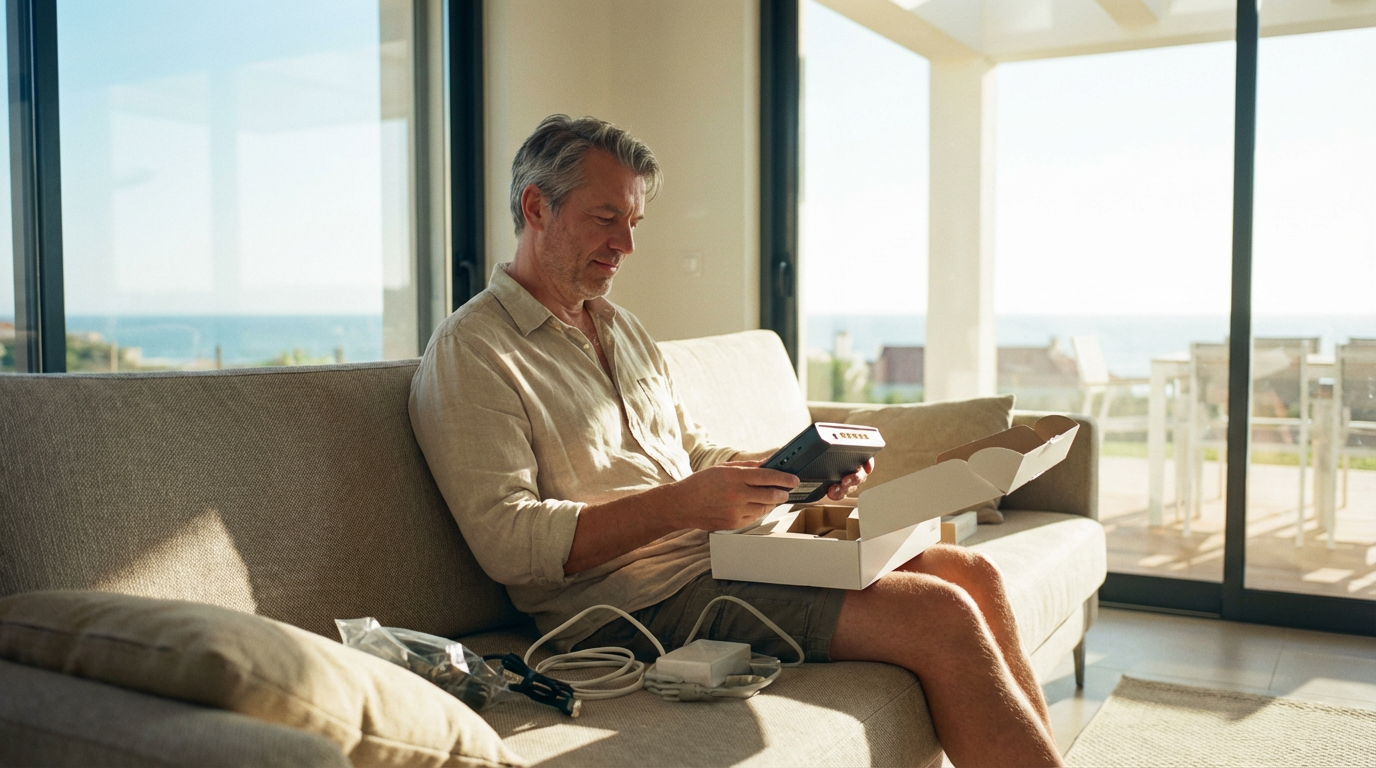
Home internet is one of the first things that makes life in Portugal feel settled. Your phone can last for a week, but video calls, streaming, and smart devices require a stable internet connection. The good news is that most Portuguese towns and cities have widespread fiber connectivity. This guide explains how home internet works here, how to choose a plan that fits your needs, what to expect on installation day, and where the small costs hide.
In short
Run an address check and choose fiber if available. Start with a mid-tier speed and upgrade only if needed. Put the router in a central spot; return rented gear on time. Use mobile broadband as a bridge until installation.
How home internet works here
Portugal has many internet providers. Some use their own fiber, others lease capacity on another network. That's why you may see two or three solid options at the same address. Coverage can vary from one street to the next, so be sure to check availability for your exact building before comparing prices. Once your address is confirmed, the steps are simple: choose your speed, pick a fixed-term plan or a flexible month-to-month option, and book your installation.
If you rent, ask the owner or agent if a line is already in place. A home with an active fiber socket can shave days off your timeline because the technician only needs to swap the router and activate service.
Connection types
Fiber (FTTH) is standard in cities and larger towns. It's fast and stable for homes with multiple devices, including those used for streaming and video calls. If fiber is available, make it your first choice.
HFC cable remains in some buildings that were upgraded before fiber arrived. Speeds work for most households. Latency is slightly higher than that of fiber, but still acceptable for calls and streaming.
4G/5G home internet is a great bridge. You get a SIM-based router that uses the mobile network. It's particularly helpful in rural areas or when you're waiting for fiber. Performance depends on signal strength and local congestion.
Fixed wireless and satellite are fallbacks for isolated homes. They get you online. Weather and line-of-sight can affect speeds. If these are your only options now, treat them as temporary and keep an eye on local fiber rollouts.
How much speed do you really need?
Most people are satisfied with speeds of 300–600 Mbps on fiber. That covers UHD streaming, cloud backups, and several video calls at once. Solo users can live with less. Large families and heavy uploaders require speeds of 1 Gbps for fast uploads and large updates. If a plan costs a lot more only to bump the headline speed, you may not notice it in daily life. Pick the sensible mid-tier and spend the difference elsewhere.
Router placement and Wi-Fi that works
Where you place the router matters more than most settings. Aim for a central spot and keep it off the floor. Avoid metal cabinets. If the socket is in a hallway far from your living room, ask the technician to extend the cable a few meters or install a wall outlet closer to where you use the internet. For larger flats or thick walls, a mesh Wi-Fi kit is more effective than multiple powerful routers. Label the network name and password in large, clear text and stick it inside a kitchen cabinet.
Contracts, promos, and small print
Portuguese providers love promotions. The first months are cheaper, then the price resets. Some plans have a minimum term with a fee if you leave early. Others are month-to-month. You may see a router rental line if you don't return the equipment at the end. Before you sign, ask for the total monthly price after promos, whether there's a minimum term, and the cost to cancel or pause. Put the end date of any term in your calendar. That one note saves money later.
If you move into a furnished rental and the landlord prefers to keep the contract in their name, agree in writing how you will pay and what happens if the price changes. Clear rules up front keep the relationship smooth.
Bundles: when they help, when they don't
Bundles that combine mobile, fiber, and TV can be a good value if you watch live sports or want multiple mobile lines on one bill. If you mostly stream with your existing subscriptions and rarely watch live channels, a fiber-only plan is often the best deal. You can add TV later. Keep the plan as lean as your habits allow, then build from there once you know your routine.
Number porting and landlines
Many fiber plans still include a landline by default, often as an internet-based phone (VoIP). If you want to keep an existing number, ask for number portability during sign-up. If you never use a landline, choose a plan that doesn't include it or simply ignore it; it won't affect your internet quality.
Moving in and switching providers
If the line is already active at your address, ask to take over the service. Same socket, faster activation.
Prefer another provider? Install the new line first, confirm it works, then cancel the old one. Return the old router quickly and keep the receipt. Buildings with a locked cabinet for telecoms often need the caretaker's or manager's help; having that phone number ready prevents a second visit.
Reliability, outages, and simple fixes
Short outages happen. If everything goes down, ask a neighbor whether the building or street is affected. If it's only your home, reboot the router and wait two full minutes. Make sure the fiber connector is seated firmly. If Wi-Fi is the only problem, test with a wired connection first. If you need a technician, have your account number and contact details ready. Most issues are fixed in a single visit.
Privacy and security basics
Change the default Wi-Fi password on the first day of use. Keep the router firmware up to date and switch off WPS if your provider allows it. If you frequently work in cafés or co-working spaces, consider using a VPN for an extra layer of privacy. At home, with a trusted internet connection, good router settings, and regular device updates, most of the work is done.
When you might not need a big home plan
Sometimes less is more. If you live alone, travel often, and don't stream much, a generous mobile data plan with hotspot can cover you for a while. For short stays, a month-to-month fiber plan or 4G/5G home internet provides simplicity without a long-term commitment. If your building's fiber is excellent but you never watch live TV, skip the TV box. Keep your setup focused on how you actually use the internet, not on features you'll forget.
Summary
Home internet in Portugal is practical once you match the plan to your address and habits. Check availability for your building, choose fiber when possible, and aim for a mid-tier speed that fits your daily life. Place the router well, label the Wi-Fi clearly, and track promo end dates. Use 4G/5G as a bridge in rural areas or while you wait for installation. Start simple. You can always add TV, boost speed, or tune Wi-Fi once you see how you really use your home.
Takeaways
- Check coverage at your exact address, then choose the plan.
- Pick fiber when available; use 4G/5G home internet as a bridge.
- 300–600 Mbps suits most homes; go higher only if you plan to use it.
- Place the router centrally; consider mesh Wi-Fi for larger homes.
- Note promo end dates, minimum terms, and router return rules.
- Keep the setup lean; add TV or extra speed only if you need it.
Settlewell can help
We help you find the right deal for you. Just go to the Internet section on our website and complete the short form. Our partner will provide you with the best options —no hidden fees, and all in English. Fill out your form now and find the right provider today!
Built by people who’ve moved abroad
Our team at Settlewell lives abroad - we know how challenging it can be to navigate the bureaucracy and service market in a new country. We’ve made it as easy as back home.

Questions? Answers.
Still have questions?
We use cookies to enhance your browsing experience, analyze site traffic, and personalize content. By clicking "Accept", you consent to our use of cookies. You can manage your preferences at any time.