Fibre is widely available
Urban homes are commonly served by fibre rather than older ADSL connections.
Internet guide for expats
 By Linus Palmqvist, Head of Operations Reviewed by Simon Nilsson Last reviewed
 Compare your options, understand what you need and get your connection arranged in English, with practical help from people who know the Spanish market.
Free to use · Independent comparison · Help in English
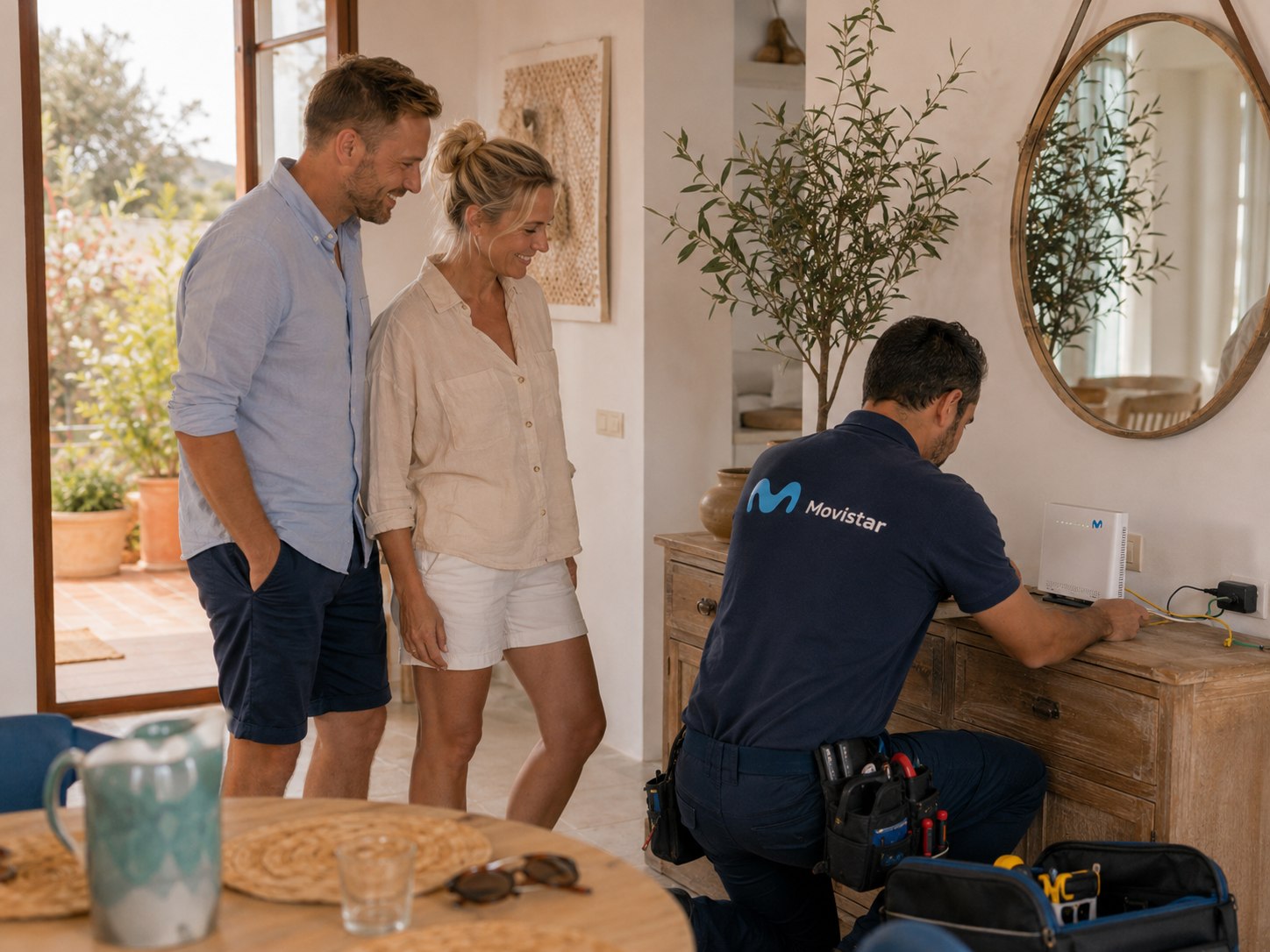
Fibre is the standard home-internet choice across most Spanish cities and larger towns. The important question is not simply which companies operate in Spain, but which network reaches your exact property and what the installation requires there.
Urban homes are commonly served by fibre rather than older ADSL connections.
Availability can differ between neighbouring buildings, floors and urbanizaciones.
Straightforward installs can take 2–7 days, but planning for 1–3 weeks is more reliable.
Three practical steps take you from an address to a working connection.
Coverage tools are a useful first check, but only an installer can confirm the available cable, port and route into the property.
The right option depends on the network at your address, your documents, your timing and the kind of support you need.
Confirm the appointment, answer unknown Spanish calls and make sure the technician can access the property and communications room.
You can arrange all of this yourself. If you would rather not, we compare the whole market for your exact address, price included, and handle the setup end to end in English. The choice stays yours.
We work out what is genuinely available at your address, what it really costs, and deal with the provider in English.
Requirements vary by provider and plan. These are the documents and practical details that may come up during signup or installation.
Coverage is only the first hurdle. These are the practical problems worth solving before installation day.
Ask the president, administrator or concierge for the RITI or RITU key before the appointment.
Give the provider a working Spanish number and answer unknown calls on installation day.
Ask the building administrator whether the existing conduits can be used and whether community or heritage approval is needed.
Some providers use another operator’s fibre. Confirm whether the line is shared, allow extra time and keep your old connection until the new one works.
Start with the comparison if you are still choosing, or open a provider guide for practical information about documents, English support and installation.

Spain’s largest fixed network, with English help available through some channels but an experience that can vary.
Read guide
Among the clearest formal English-language support of the big national providers, with a dedicated English phone line and WhatsApp.
Read guide
A popular value option. Installation timing differs significantly between DIGI’s own network and shared infrastructure.
Read guide
A major national provider, although dedicated English support for home fibre is limited.
Read guide
Part of the wider MásOrange group, with broad availability and mostly Spanish-language customer journeys.
Read guide
Vodafone Spain budget brand with Spanish-first support and usually cleaner public-IP behaviour than many budget brands.
Read guide
MasOrange bundle brand with an unusually clear passport route for in-store signup, but no guaranteed English support.
Read guide
Simple MasOrange budget brand with no minimum contract and a free public-IP request route.
Read guide
Telefonica second brand using Movistar fibre, with no lock-in and no shared-address setup.
Read guide
Aggressive low-cost Vodafone-network option, with ownership and public-IP details to check carefully.
Read guideSome Spanish cities need their own guide because the practical install issues are local: older buildings, urbanisations, seasonal homes or local operators. Start with the city pages that are live now.

A city where fibre coverage is rarely the issue, but old buildings, portals and landlord permission can decide the install.
Best for understanding Ruzafa, El Carmen, Ciutat Vella and beachside townhouse installs.

City flats are usually straightforward, but Costa Blanca villas and urbanisations nearby can still need air-fibre or a local operator.
Best for Jávea, Moraira, Benitachell and villa addresses where town-level coverage numbers can mislead.

Coverage is rarely the issue. Second-home flexibility, English support and seasonal setup are the real questions.
Best for part-time residents comparing contract length, router return and support in a highly international town.

Town coverage looks strong, but villas, gated communities and hillside urbanisations make the exact plot decisive.
Best for second homes, holiday lets and communities where installer access and authorisation matter.

City flats are usually easy, while old-centre buildings and province villas need exact-address checks.
Best for comparing historic-centre installs, Teatinos-style new zones and wider Costa del Sol second homes.

One of Spain’s easiest markets on paper, but old buildings, rental logistics and exact risers still decide the install.
Best for Gothic, Born, Raval, Eixample and Gràcia flats where landlord permission and building access matter.
Practical articles for common setup questions before you choose a provider.
For remote work in Spain, look beyond download speed and check upload, CG-NAT, public IP options, reliability, and backup.
Read guideIf fibre is not available at your exact Spanish address, compare fixed wireless, 4G or 5G home internet, and satellite before choosing.
Read guideFor a Spanish holiday home, the best internet plan depends on how often you use the property, who can manage installation, and how flexible the contract is.
Read guideUse our platform yourself, message us on WhatsApp, request a callback or complete the setup over email. Start in the way that feels easiest.
Get started for freeTwo-minute signup · No credit card
Still have questions?
Written by
Head of Operations at Settlewell
Linus moved from Sweden to Málaga in 2021 and set his own home up here, so most of this he has already done the hard way once. Before Settlewell he spent years at Workwide, the cross-border recruiter that has helped over 10,000 people into jobs abroad, latterly as its Head of Recruitment and Operations. He speaks Spanish, lives in Málaga with his partner, and spends his days on the phone to Spanish providers.